How to Play White Noise on iPhone All Night
By The LumaSleep Team · June 5, 2026 · 5 min read
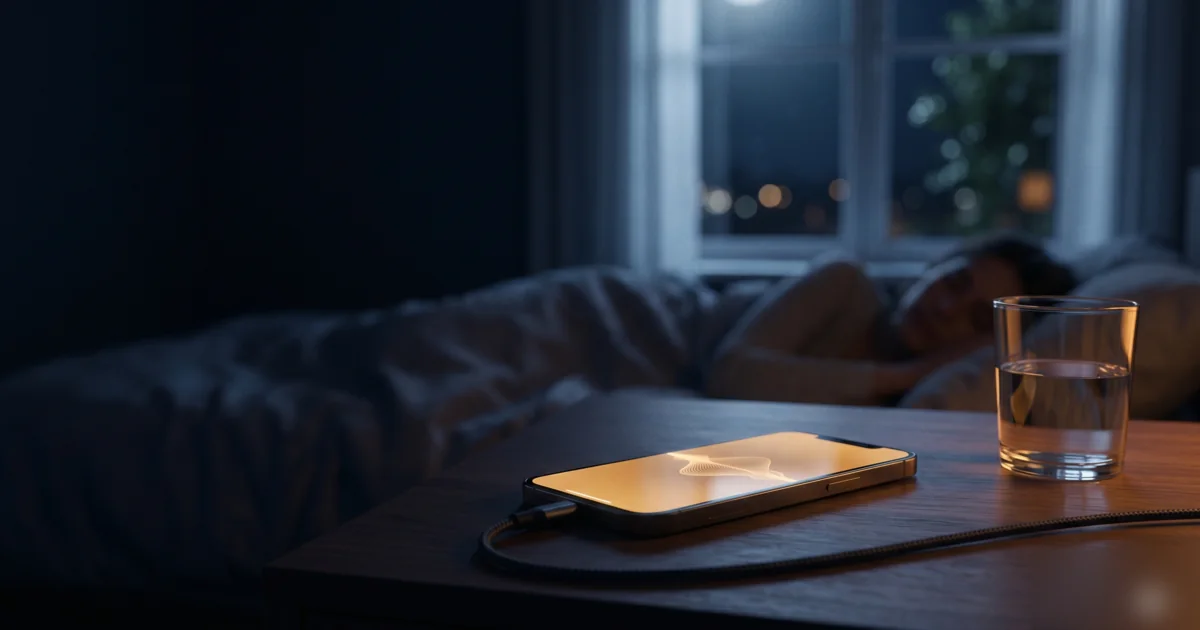
Your iPhone can play white noise all night long — and there are two good ways to do it. The quickest uses a hidden feature built into iOS; the other uses a dedicated sleep-sounds app for more variety and control. Here's how to set up both so the sound keeps playing with the screen off.
Option 1: iPhone's built-in Background Sounds
iOS has a white-noise feature tucked away in Accessibility. To turn it on:
- Open Settings → Accessibility
- Tap Audio & Visual → Background Sounds
- Toggle Background Sounds on
- Tap Sound and pick one — Balanced, Bright, or Dark Noise (white, pink, brown), or Ocean, Rain, and Stream
Set “Use When Media Is Playing” and the volume to taste. It'll keep playing with the screen locked — all night, for free. You can also add it to your Control Centre for one-tap access.
Option 2: a dedicated sleep-sounds app
Background Sounds is handy but limited to a few options. A sleep-sounds app gives you dozens of sounds — rain on a roof, a fireplace, a thunderstorm — plus the ability to mix several together and set a fade-out timer. Good sleep apps are built specifically for continuous overnight playback, so the audio keeps going when your phone is locked.
Why your sound stops when the screen locks
If you've tried playing white noise from a video or some music apps, you've probably noticed it pauses when the screen turns off. That's the app saving battery. The fix is to use a source designed for background audio — either iOS Background Sounds or a proper sleep app — both of which are allowed to keep playing all night.
Keep it playing all night
Two quick tips: plug your iPhone in overnight so battery is never a concern, and decide whether you want the sound to run continuously or fade out on a timer once you're asleep. Lighter sleepers often prefer continuous masking; others like a gentle fade.
LumaSleep is built for exactly this: 70+ sounds, layering, and a fade-out timer, all playing reliably in the background while your iPhone is locked — so you drift off and it keeps going as long as you need.
Frequently asked questions
How do I play white noise on my iPhone all night?
You have two options. iPhone's built-in Background Sounds (Settings → Accessibility → Audio & Visual → Background Sounds) can play white, pink, or brown noise plus rain or ocean continuously. For more sounds, mixing, and a fade-out timer, use a dedicated sleep-sounds app with all-night background playback.
Does iPhone have a built-in white noise feature?
Yes. iPhone includes Background Sounds under Accessibility, offering Balanced, Bright, and Dark Noise (white, pink, brown) plus Ocean, Rain, and Stream. You can set them to keep playing when other audio is active and continue with the screen locked.
Why does my white noise stop playing when the screen locks?
Most music and video apps pause to save battery. To keep audio going with the screen off, use iPhone's Background Sounds or a sleep-sounds app built for continuous background playback — those keep playing all night while locked.
Will playing white noise all night drain my iPhone battery?
Audio playback uses relatively little power, but to be safe keep your iPhone plugged in overnight. Locking the screen and lowering brightness also helps minimise battery use while the sound continues.
Written by The LumaSleep Team
LumaSleep is a sleep-sounds and sleep-tracking app. Our guides are for general wellness and education — they aren't medical advice. If sleep problems persist, please consult a healthcare professional.
Related guides
Try it tonight with LumaSleep
70+ sounds, AI-generated soundscapes, a sleep timer and sleep tracking — all in one calm app.